
Traditional Classes
Perfect for elementary and middle schools where each class follows a shared daily schedule.
By far the most powerful solution for automated timetabling and scheduling for any type of school.
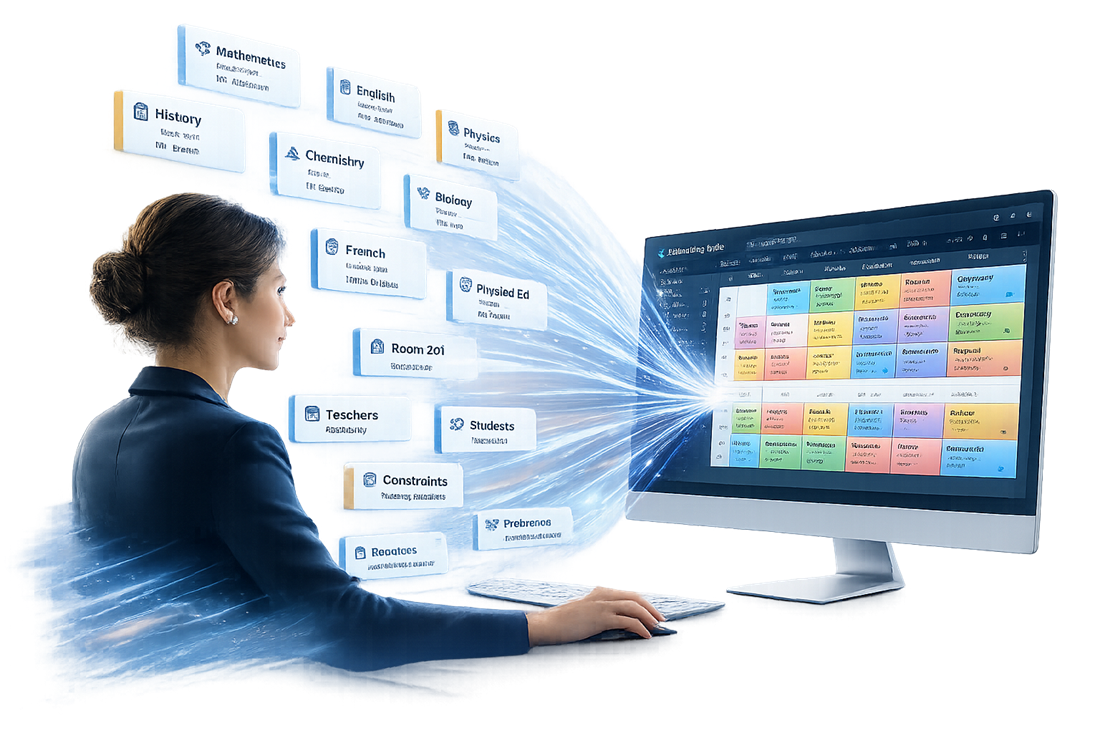
From traditional class schedules to personalized student timetables and rotational periods, Timetabling Turbo supports every school scheduling model.
Perfect for elementary and middle schools where each class follows a shared daily schedule.
Perfect for electives, language groups, science labs and other subjects shared across multiple classes.
Perfect for high schools where each student follows an individual timetable based on course enrollment.
Perfect for block scheduling and rotating period structures that keep activities assigned to named periods rather than fixed times.
Perfect for schools with different start times, period lengths or daily schedules across grade levels.
Perfect for managing multi-week timetable rotations and multiple school terms within a single file.
From the simplest edits to the most advanced timetabling tools, Timetabling Turbo provides one intuitive workspace where every feature is at your fingertips.
Create complete timetables from your data and constraints, then regenerate when requirements change.
Drag, drop, move and copy activities while the software highlights valid time slots.
Model teacher availability, room limits, free periods, student enrollment and simultaneous activities.
Find complex scheduling combinations that improve timetable quality while optimizing student enrollment.
Optimize student enrollment across subject sections while considering elective choices, gender caps and priorities.
Handle substitutions and day-to-day adjustments after the term begins.
Multiple users can edit the same timetable, keeping everyone up to date through automatic synchronization.
Bring in school data, then print or export timetables, reports, PDFs, images, websites and CSV files.
Install from the Microsoft Store or download and run the application directly.
The software is designed for Windows. To run it on a Mac, CrossOver is required.
For browser-based access, a service such as Microsoft Windows 365 is required.

Our support team responds quickly with detailed explanations, screenshots, video demonstrations and step-by-step guidance. Feel free to contact us anytime, we're always happy to help.
You can also chat with our AI Support Assistant, trained on our documentation and support articles.
Available to anyone signed in to ChatGPT.
Timetabling Turbo is a powerful desktop application with an integrated workspace and extensive functionality. Unlike most web-based timetabling software, it brings everything together in one place, enabling faster workflows and more advanced timetabling capabilities.
With so many powerful tools at your fingertips, it may take a little time to learn. But once you do, your productivity skyrockets.
View User Guide